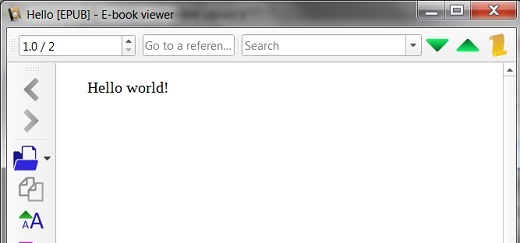
Hello-3.0.epub Displayed in Calibre
Q
How to display Hello-3.0.epub in Calibre?
✍: FYIcenter.com
A
 Once you have Hello-3.0.epub created, you can follow
this tutorial to open and read it in Calibre.
Once you have Hello-3.0.epub created, you can follow
this tutorial to open and read it in Calibre.
1. Search and run Calibre on your Windows computer. You see the Calibre main screen.
2. Click "Add books" icon. You see the open file screen.
3. Locate and select \fyicenter\Hello-3.0.epub. You see the "Hello" EPUB book added to the library.
4. Double-click "Hello" in book library. You see the book content displayed.
The picture below shows you how to open and read Hello-3.0.epub with Calibre:
⇒ EPUB 3.0 With XHTML Technologies
⇐ Hello-3.0.epub Created with WinRAR/zip
2018-11-11, ∼2992🔥, 0💬
Related Topics:
