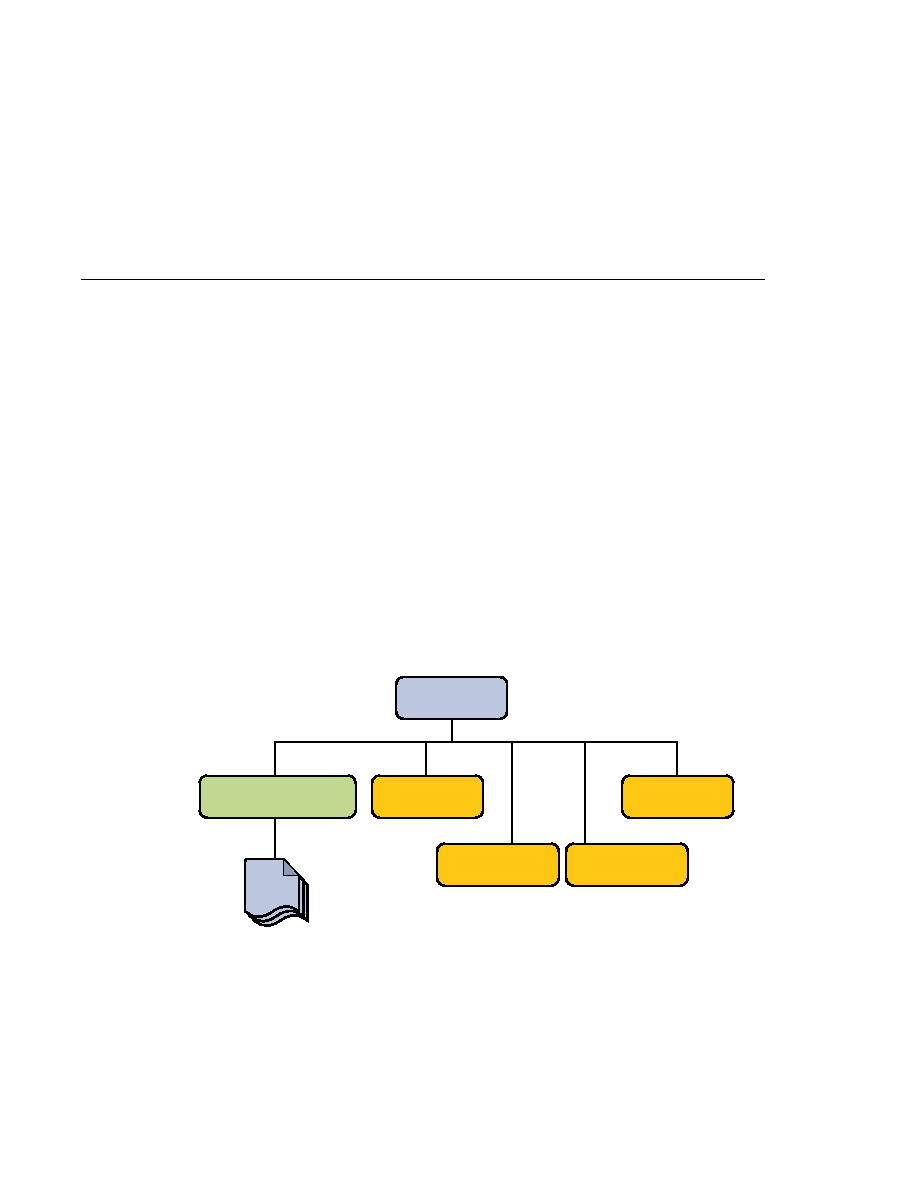
Packaging Applications

Packaging Applications
involves using a platform's deployment tool to specify location-specific information, such as a
list of local users that can access it and the name of the local database. Once deployed on a local
platform, the application is ready to run.
(JAR) file with an .ear extension. Using EAR files and modules makes it possible to assemble a
number of different Java EE applications using some of the same components. No extra coding
is needed; it is only a matter of assembling (or packaging) various Java EE modules into Java EE
EAR files.
deployment settings of an application, a module, or a component. Because deployment
descriptor information is declarative, it can be changed without the need to modify the source
code. At runtime, the Java EE server reads the deployment descriptor and acts upon the
application, module, or component accordingly.
descriptor is defined by a Java EE specification and can be used to configure deployment settings
on any Java EE-compliant implementation. A runtime deployment descriptor is used to
configure Java EE implementation-specific parameters. For example, the Sun Java System
Application Server Platform Edition 9 runtime deployment descriptor contains information